User manual for hosts of a tournament
Register tournament
If you are going to host a tournament in Ju-Jutsu Fighting and like to use this website as a platform for promoting the tournament and for collecting registrations of athletes as participants, you can write a mail to become-a-host@shobu.world with some information on the tournament:
- name of tournament
- date of tournament
- mail address for clarifying issues and for sending a link to the tournament's page
Setting a password
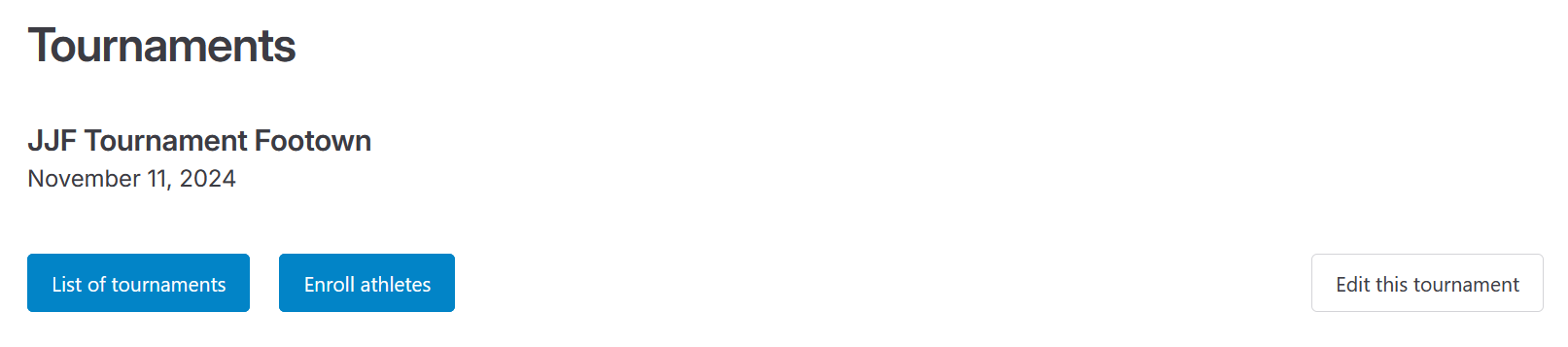
After sending mail for registering the tournament, a mail will be sent back in reply containing a link to the tournament's public profile page on this website.
Save the link!
The link sent in reply to your registration should be saved long term e.g. for accessing the tournament after it has been taken place as it isn't included with the list of upcoming tournaments in that case anymore.
At this stage, the public profile page of a tournament is not available via the list of upcoming tournaments as it has to be claimed first. This happens when setting a password for encrypting and decrypting sensitive information for managing the tournament on this website.
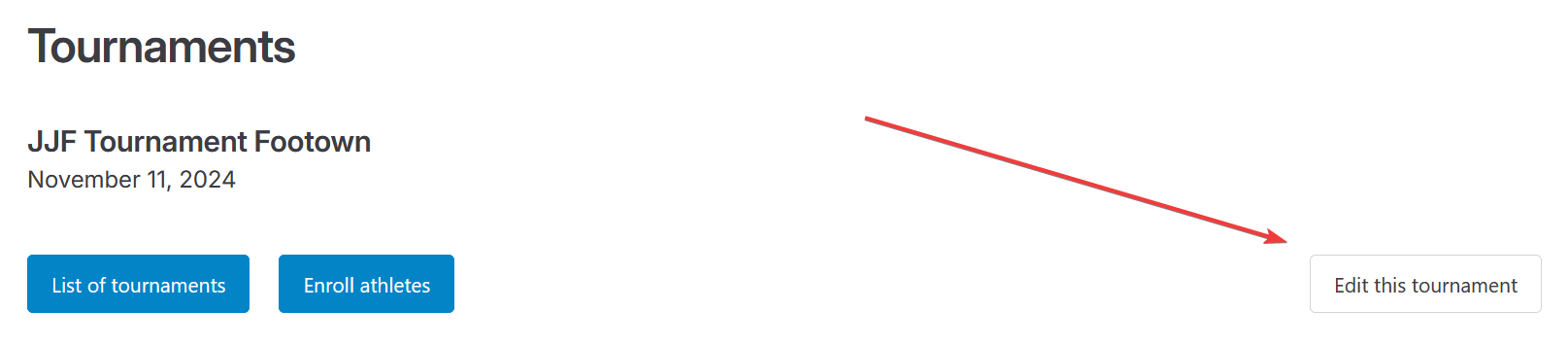
Click on the bottom-right button labelled Edit this tournament for setting a password.
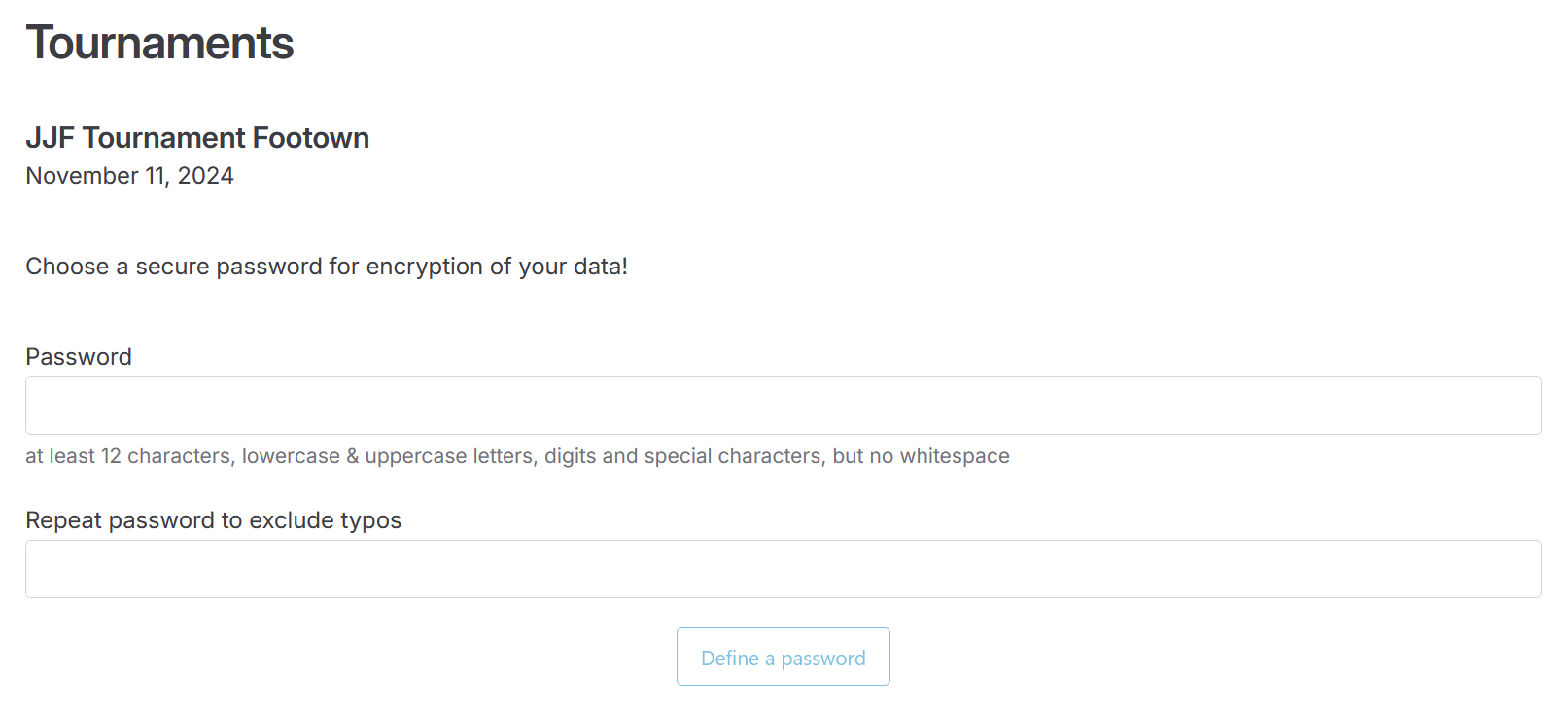
The prompt for setting password appears on clicking that button for the first time.
Information
In case no password prompt is presented on clicking that button, the password has been set before already.
The password must consist of at least 12 characters and must contain at least one uppercase letter, one lowercase letter, one digit and one special charactert. It must not contain any whitespace.
Do not forget the password!
The password is not saved anywhere. There is no way of resetting it because of that.
In case you have forgotten the password, all existing applications for your tournament become useless. All we can do is resetting your tournament to its initial state in which there is no data such as keys necessary for receiving applications. A new password must be set and every team has to resend its application in such a situation.
Setting the password is eventually finishing the tournament's registration process. It becomes available in the public list of upcoming tournaments by then so that everyone can discover the tournament and send applications for athletes for participating in the tournament.
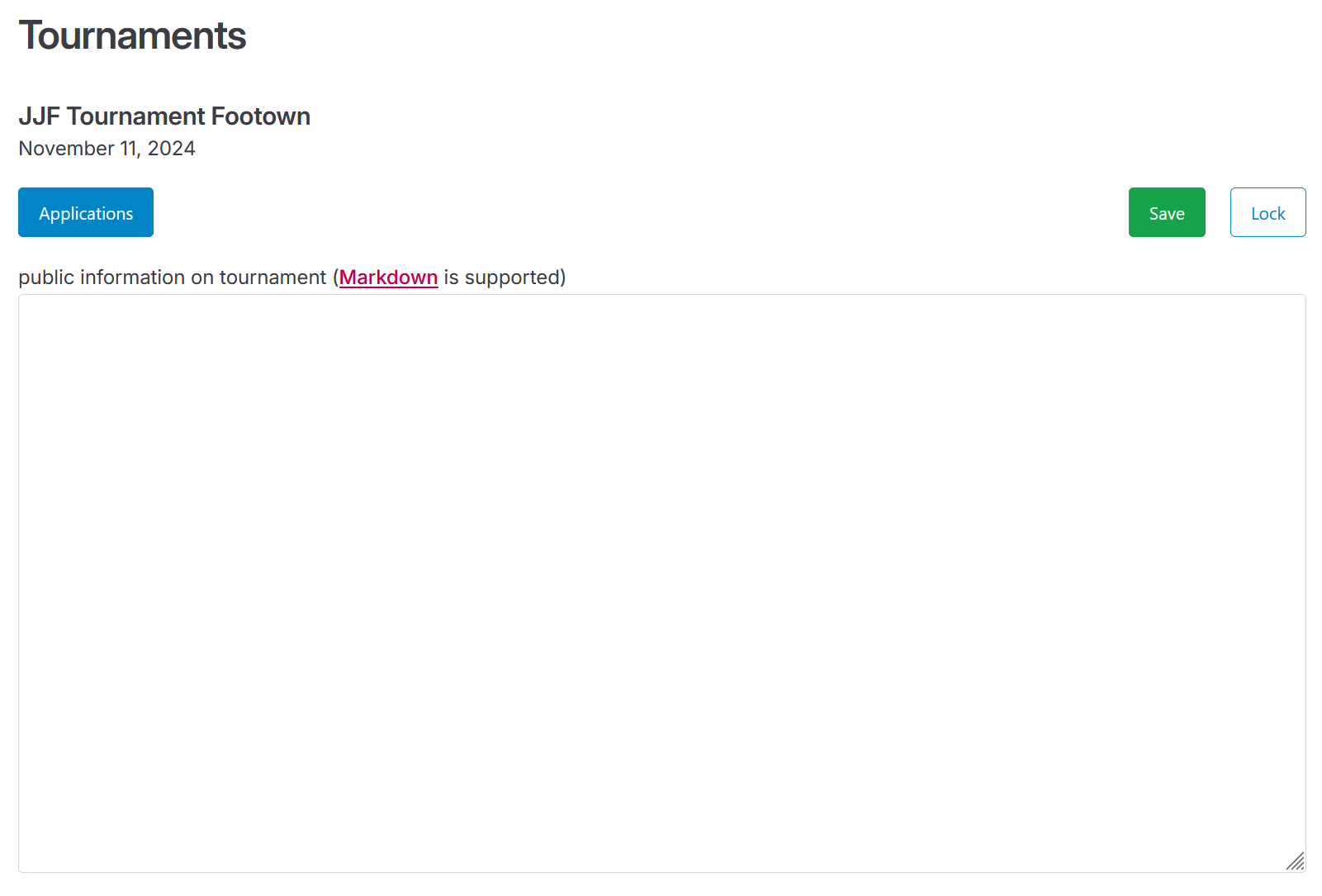
Right after setting the password the tournament's profile page is opened in edit mode where you can add detail information on the tournament.
Managing a tournament
After setting the password managing the tournament becomes available.
Right after setting the password the tournament's profile is instantly opened in edit mode.
In all other cases you can
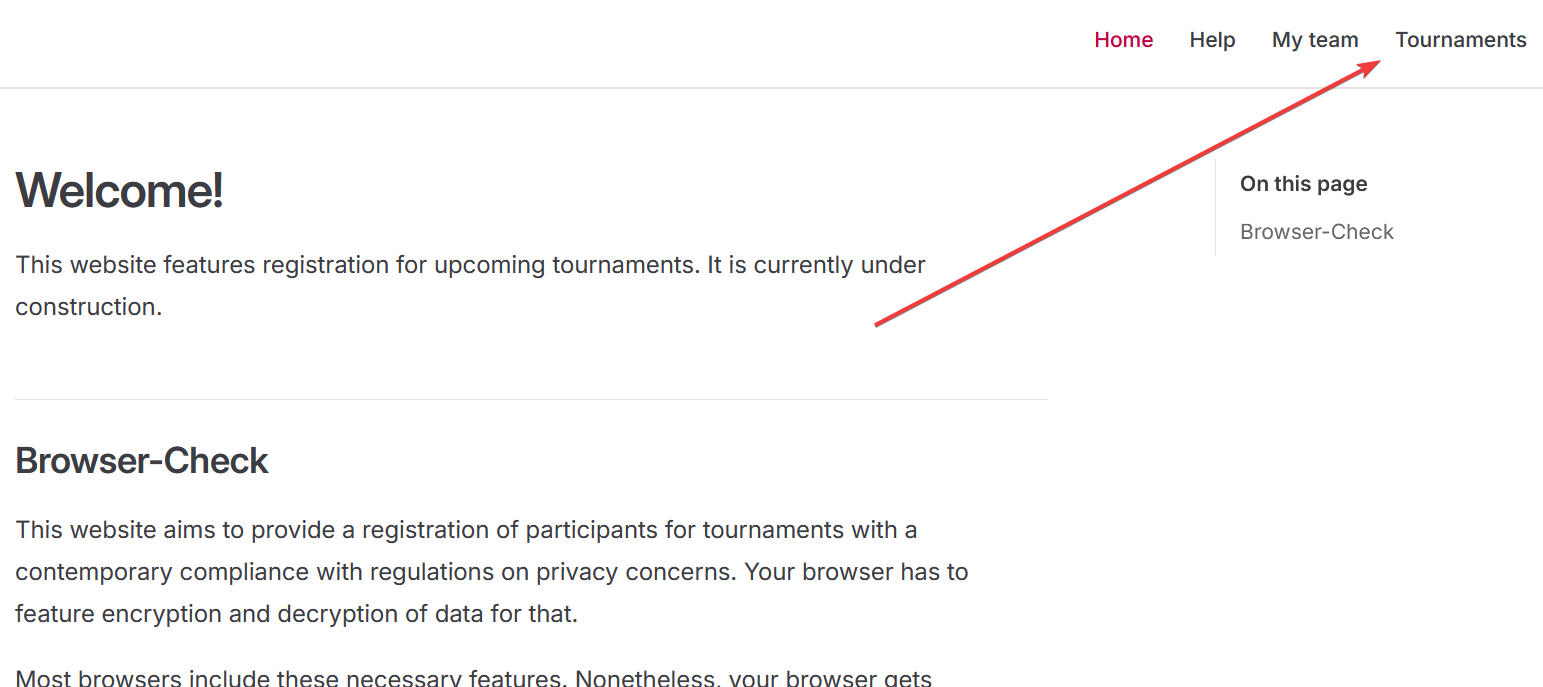
open the public list of upcoming tournaments using top-right menu item labelled Tournaments
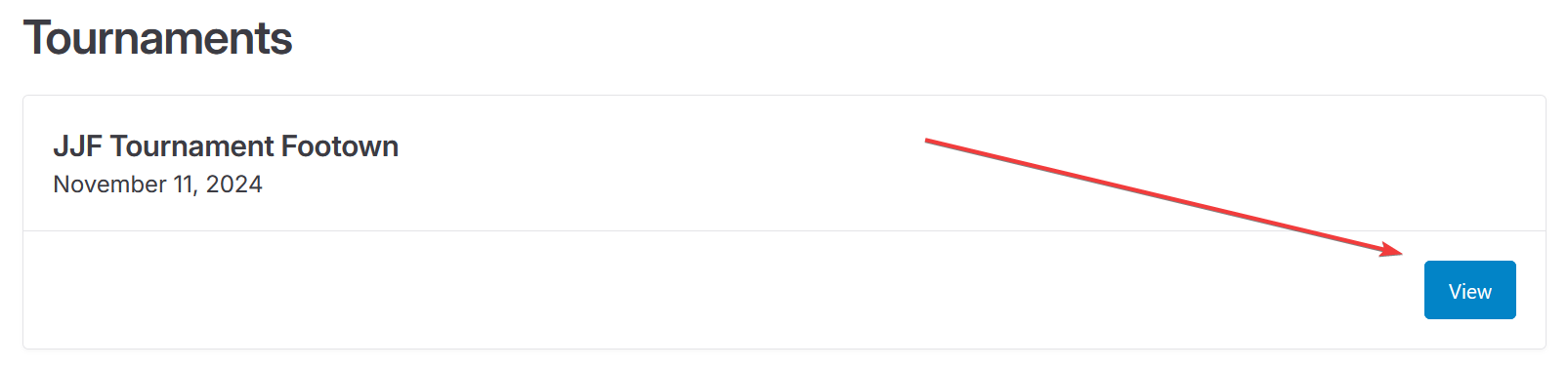
click on the View button of the desired tournament,
Option: link
The link initially provided per mail in response to a tournament's registration can be used to get to this point more conveniently, too.
get to the tournament's public profile page this way where clicking the bottom-right button labelled Edit this tournament switches to the profile's edit mode
- and enter the previously set password to eventually unlock the tournament's edit mode.
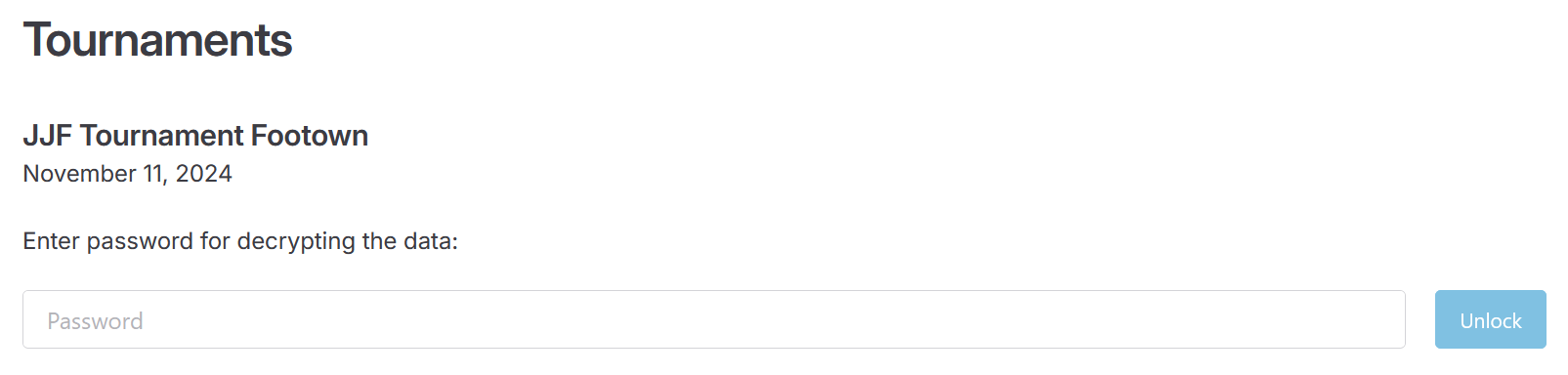
In case you have entered the password correctly, the tournament's profile page appears in edit mode:
Entering the password is trying to decrypt the tournament's record in background. If this is failing e.g. due to having entered a wrong password, the prompt for entering the password is kept visible instead.
Mind to save!
You can edit a tournament's record after successfully unlocking it. All changes you make occur in your browser, only. They won't be implicitly saved on the server as this requires to re-encrypt the whole record and send it to the server no matter the actual changes you have made.
That is why you always have to click the top-right button labelled Save to explicitly re-encrypt all data in the browser and send it to the server for persistent saving. Otherwise all changes are lost as soon as you close the browser or leave the website for another one.
Manage detail information
For every tournament additional information can be provided in a text box when in edit mode. This information is part of the tournament's public profile page for every visitor. It can be structured using Markdown syntax excluding support for custom HTML code.
Fetch applications
Teams can use this website to apply athletes for participating in upcoming tournaments.
When in edit mode of a tournament, all existing applications of athletes can be downloaded as a single CSV file by clicking on the top-right button labelled Applications. This file can be opened using Microsoft Excel. In addition, it can be imported into fighters list of Shōbu.